Getting started
Sign up, fill your sheet, find your first calls. About ten minutes.
Set up your account
- Create your account on the sign-up page and pick the artist role.
- Fill your sheet. Open Vault, then Your sheet. Add your name, location, disciplines, a short and a long artist statement, education and links.
- Add a few works under Your works. Title, year, medium and size are enough to start.
Find your first calls
- Open Discover and look through the list. Track the ones you want.
- Check your Registry. Tracked calls appear there with their deadlines. See Your Registry.
Install the tools
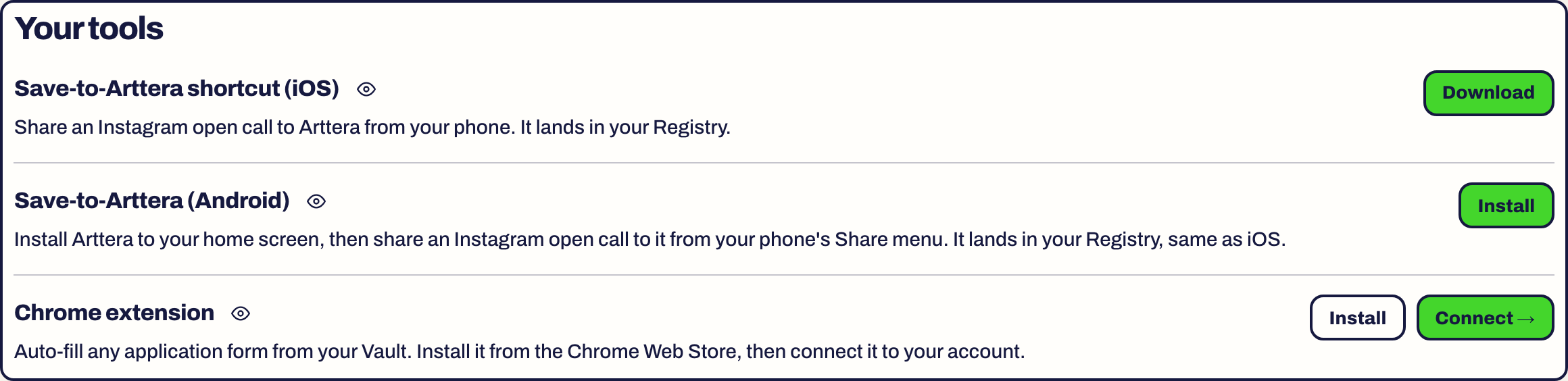
Open Settings. The Your tools card has the Chrome extension and the phone shortcut for both iPhone and Android.
Read on: Install and connect the Chrome extension and Capture a call from your phone.
Skipping fields
You can leave fields empty and come back. A fuller sheet means less typing later, but nothing blocks you from starting.
Something here is wrong or missing? Use the Feedback button in your dashboard and tell us. We fix the article.